
Make the invitation specific
Say whether people can book, ask a question or request details.
UDOOH FOR DRIVE BOOKINGS & ENQUIRIES
Connect your in-store message to an existing booking page or enquiry channel. Give visitors one simple way to take the next step on their phone.
PRACTICAL WAYS TO USE UDOOH
Choose the content, placements and next steps that fit your business and the people you serve.
Say whether people can book, ask a question or request details.
Use a mobile-friendly destination relevant to that message.
Make sure enquiries reach the team responsible for following up.
IDEAS FOR YOUR BUSINESS
Illustrative ways to use Udooh, shaped around real operating needs. These are examples, not client results.
Link a service introduction to the salon’s existing appointment page.
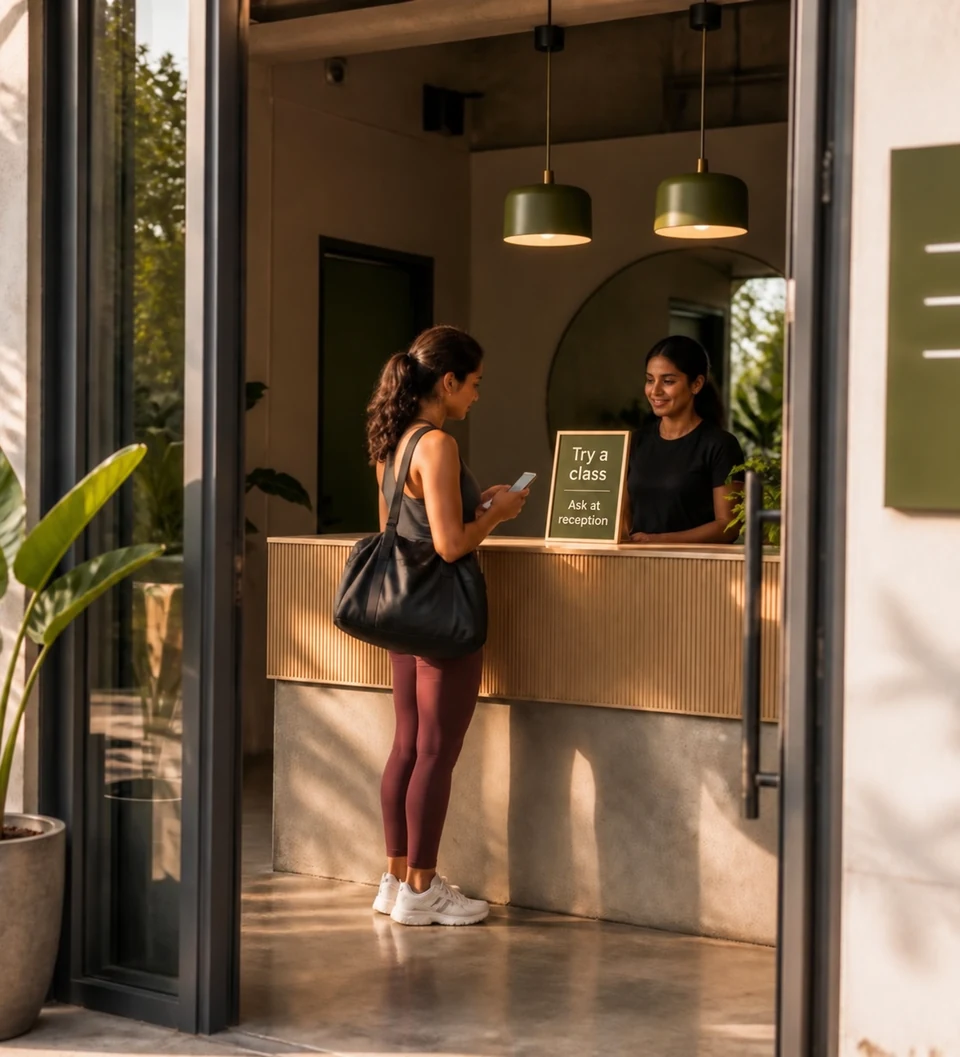
Invite people to request details about a trial session.
Route a factual service introduction to the facility’s approved enquiry page.
A SIMPLE PLACE TO START
Start with the content you want to show, the screens or placements you need, and the action you want people to take.
LET’S TALK ABOUT YOUR BUSINESS
Tell us about your location, your customers and what you want to achieve.