
Content that can change
Rotate promotions, services, product stories and announcements without replacing a printed creative.
UDOOH · DIGITAL SCREENS
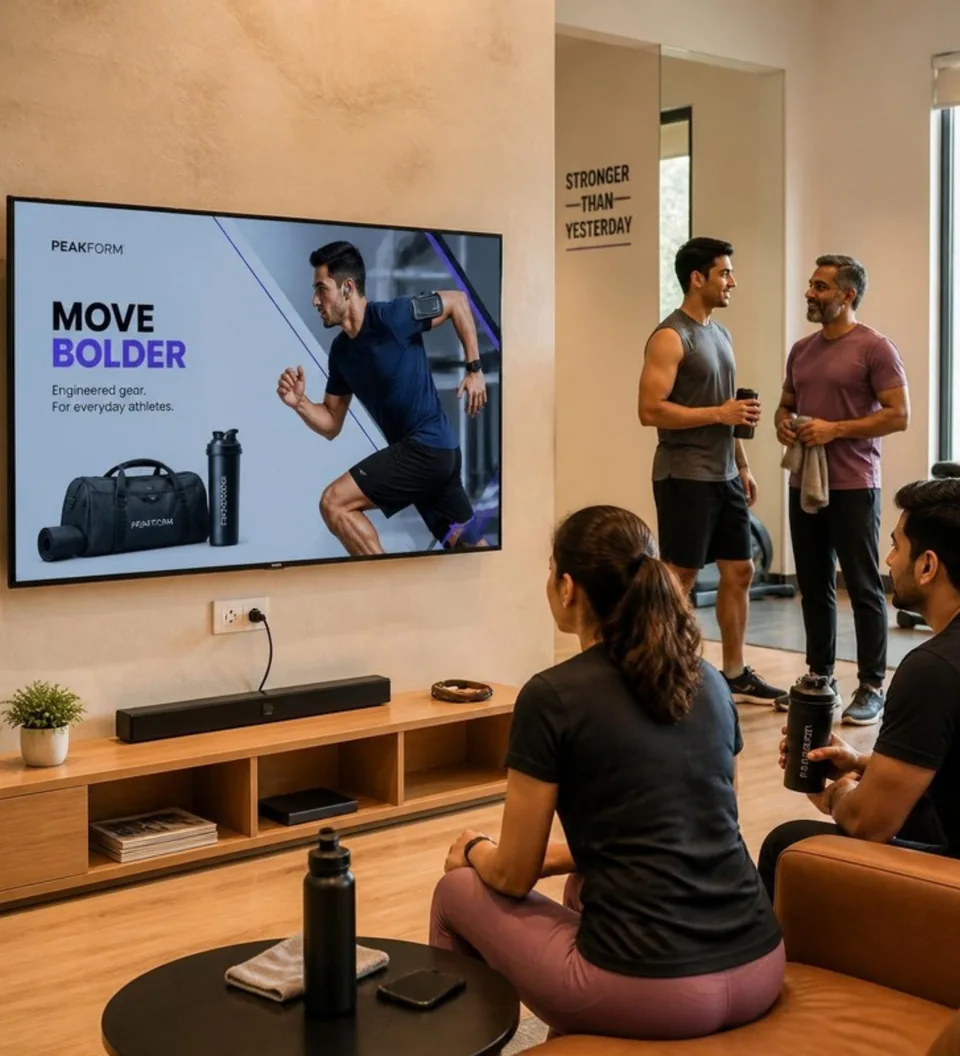
Show videos, images and rotating content in the places where people sit, wait, browse or work out. Digital screens support changing messages for your business and agreed partner campaigns.
WHAT YOU CAN DO
Use images and video to introduce your offering, schedule timely updates and invite customers to act.
Rotate promotions, services, product stories and announcements without replacing a printed creative.
Schedule media for the screens and periods relevant to your campaign or outlet.
Include a readable call to action or QR destination when it helps the viewer act.
MORE WAYS TO BE DISCOVERED
Choose the format that suits your message and the outlet. We’ll help you choose from available placements.
Run videos, images and changing campaign creatives on digital screens where customers sit, wait or work out.
Video · Images · Rotating campaignsExplore digital screensKeep your message visible with an unlit printed display that makes your brand part of the store environment.
Printed display · QR-led discoveryExplore static standeesGive printed advertising a bright, visible presence with a slim LED light box that illuminates your poster.
Illuminated print · Static creativeExplore led postersPut your product on display in a relevant setting, giving customers a closer look at what your brand offers.
Product discovery · Physical visibilityExplore product showcasesFormats and locations are subject to availability. Digital screens and illuminated printed posters are distinct formats.
HOW IT WORKS
Discuss your goals and setup with the team, then agree the details before getting started.
Review the location, orientation and compatible player or device setup with the team.
Use images or videos matched to the agreed dimensions, duration and viewing conditions.
Choose the screens and schedule, then keep media and linked destinations up to date.
GOOD TO KNOW
Possibly. The team needs to confirm the screen, connectivity and player setup before recommending a compatible installation.
EXPLORE UDOOH
Tell us about your location, audience and goals.